
Mobile vehicle inventory management
Post a car right from the lot.
Snap the photos, type the VIN, and the VIN decoder fills in the rest. No laptop and no waiting on the next feed import.
3 steps
From the lot to your website
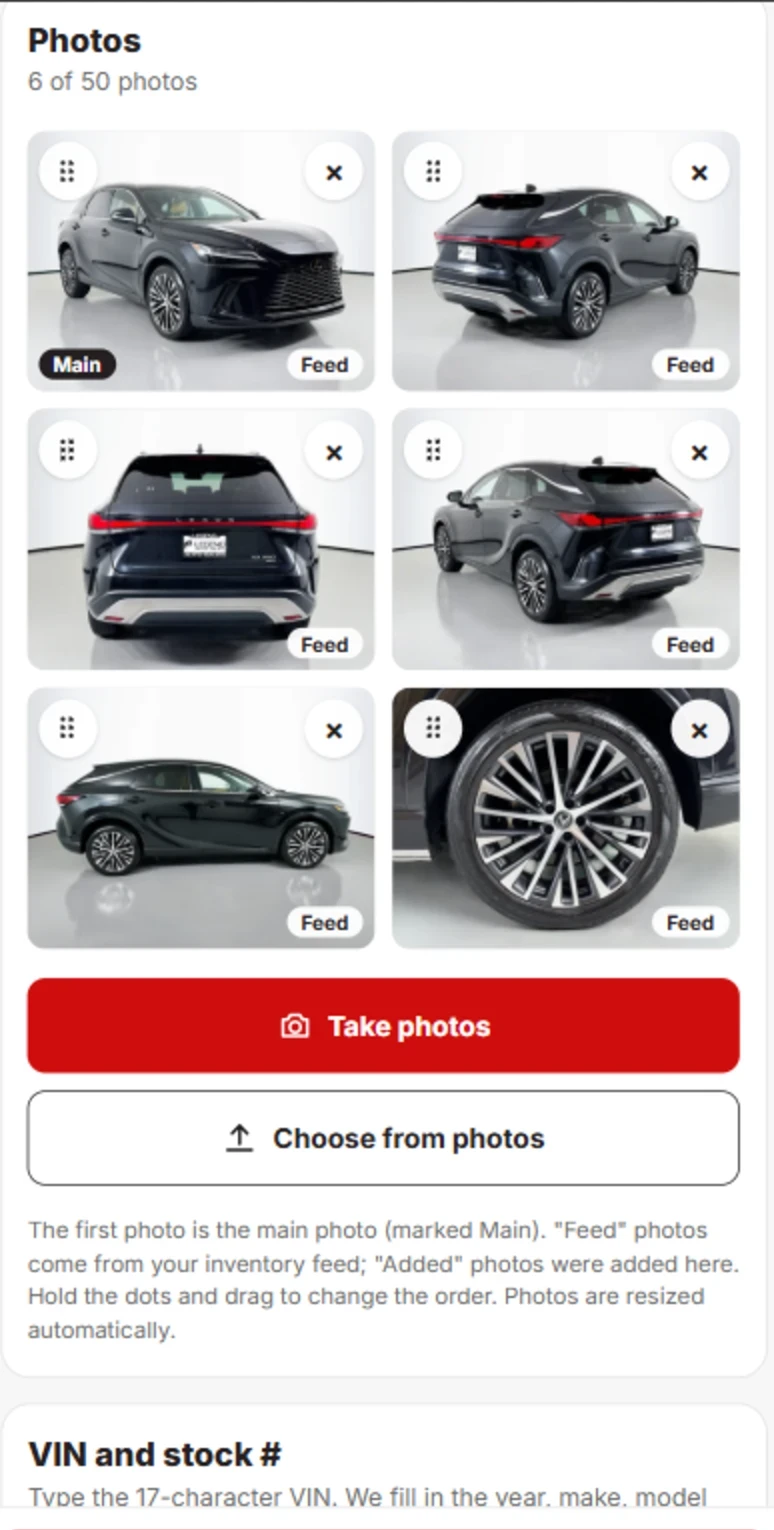
Take the photos
Use your phone camera or pick photos you already have. They resize automatically. Shoot up to 50 photos and drag to reorder.
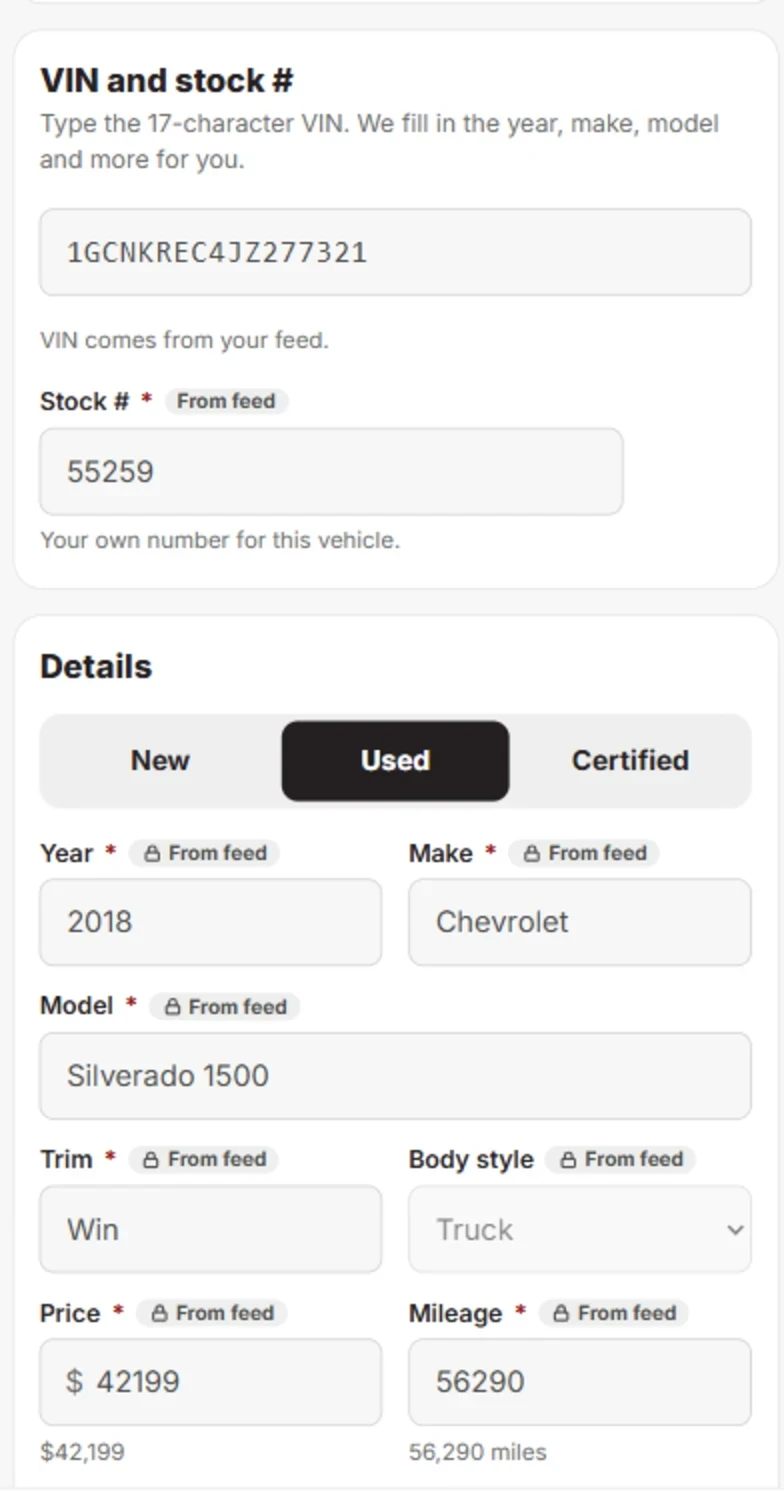
Type the VIN
The VIN decoder fills in the year, make, model and more, so there is less to type.
Coming soonSnap a photo of the VIN instead of typing it.
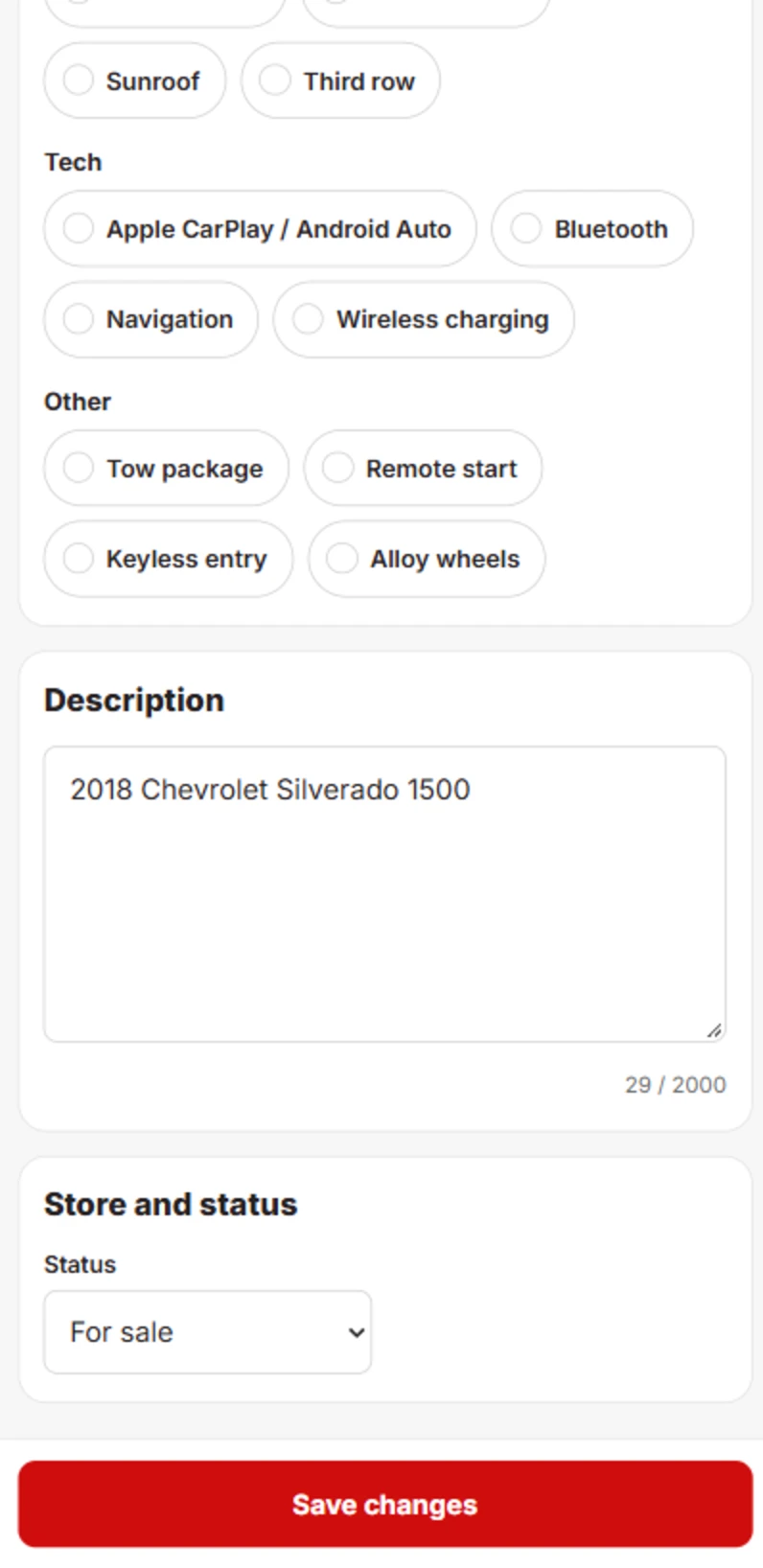
Pick features and publish
Tap the features, add a description, set the status and save. Tap Save changes and the car is published.
Back at the desk
Everything you post shows up in your inventory
Cars added from your phone land in the same vehicle list as everything else, ready to edit on any screen.
See vehicle inventory management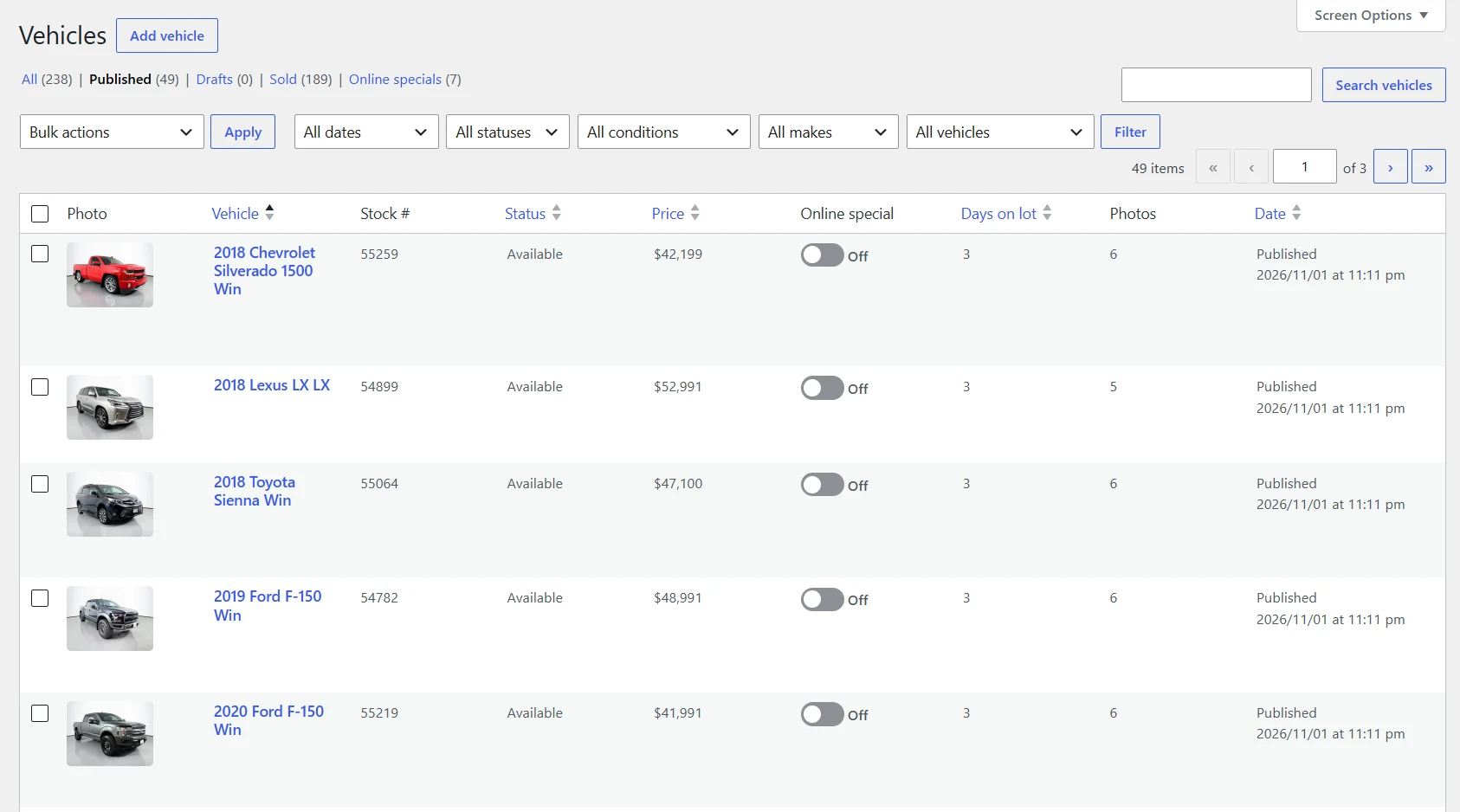
From the lot to your website, right from your phone.
Join the early-access list for launch pricing.