
Car dealer inventory management software
Manage every car from one simple screen.
Your inventory lives right inside WordPress. See every car at a glance, edit details in seconds, and let your feed keep the rest up to date.
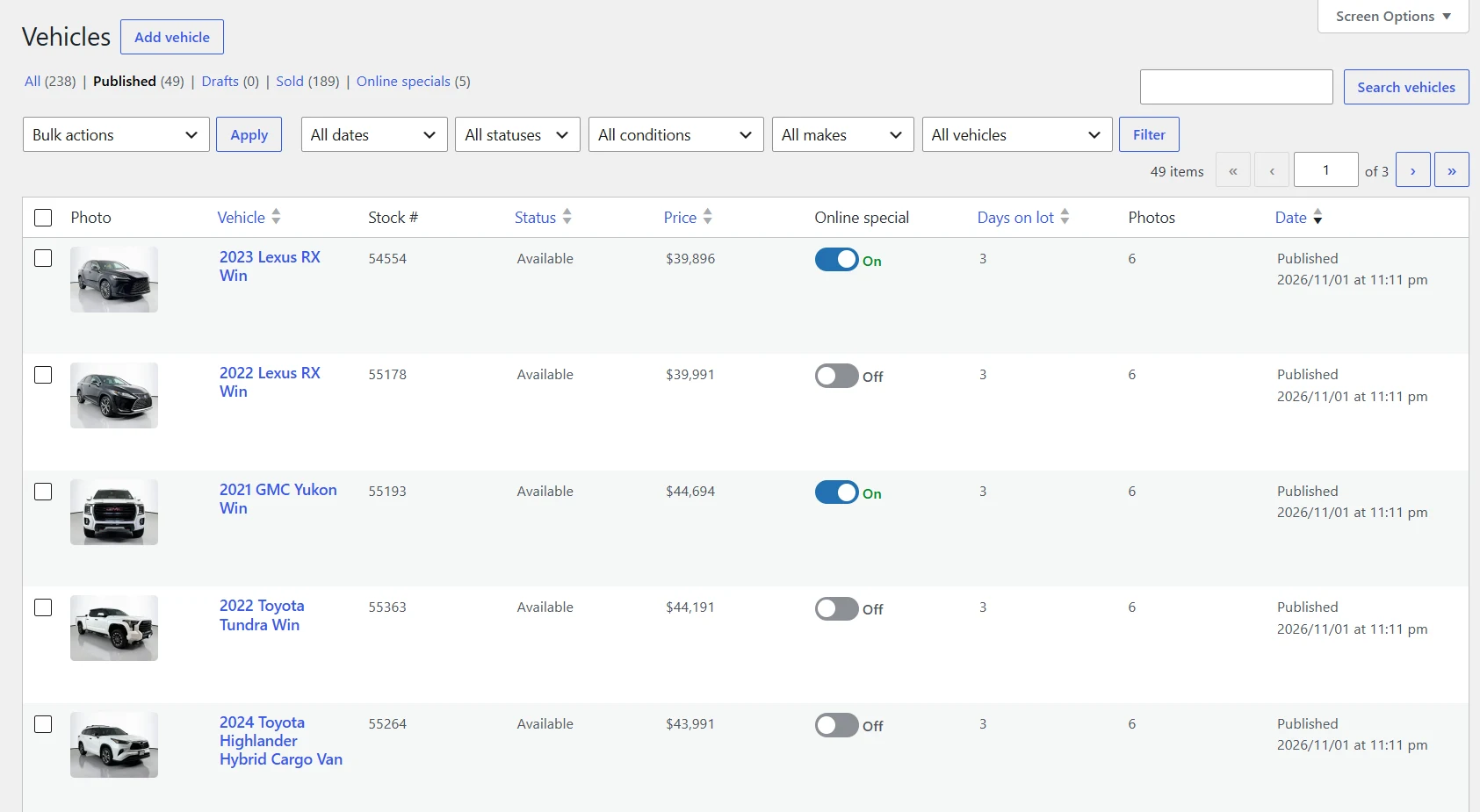
Vehicle list
Your whole lot at a glance
Every car in one list with photo, stock number, price, days on lot and photo count.
- ✓Filter by status, condition, make or date
- ✓Turn on an online special with one click
- ✓Bulk edit many cars at once
Vehicle editor
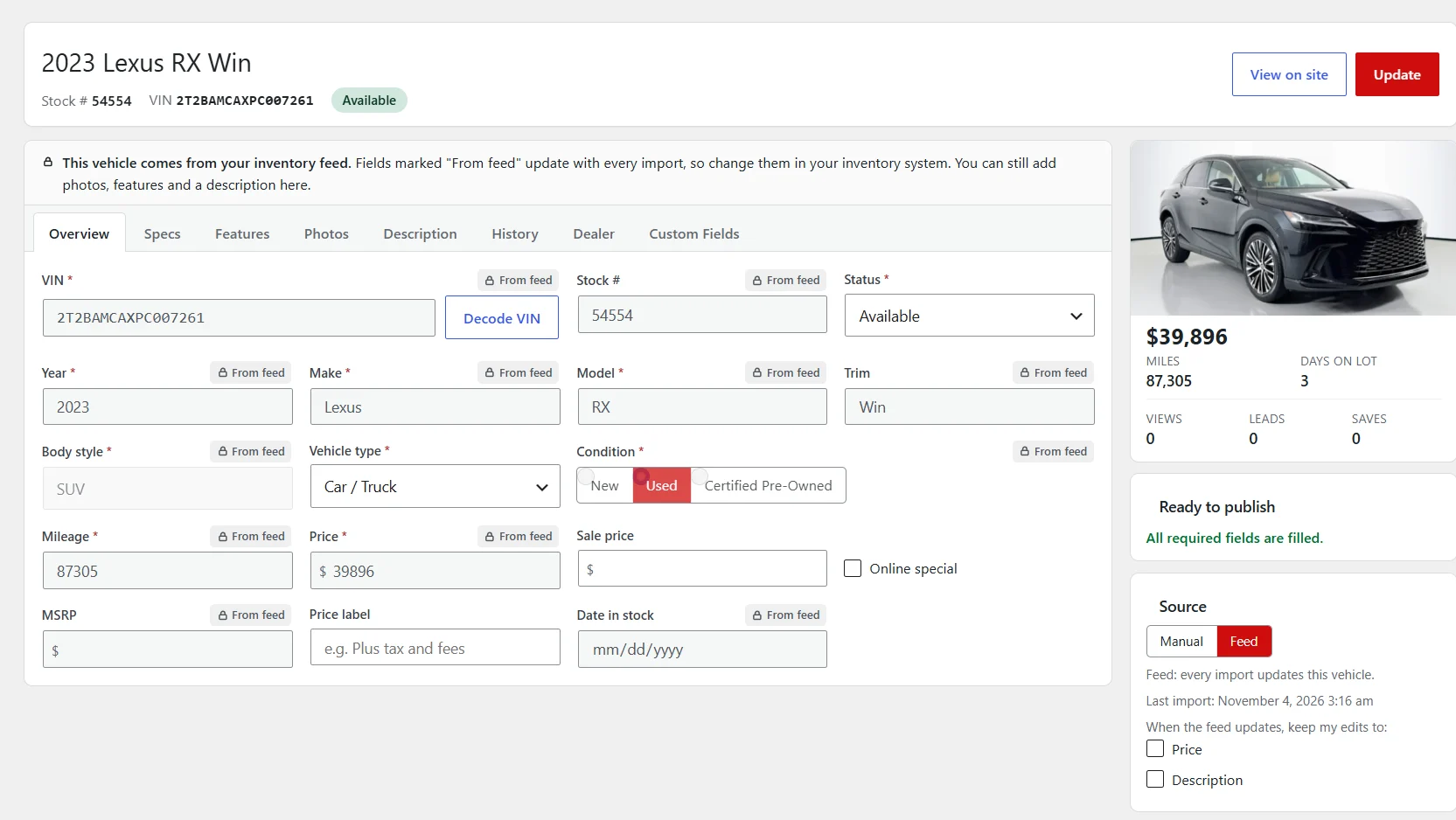
One page per car, everything in tabs
Specs, features, photos, description and history, all on one screen.
- ✓Decode a VIN to fill year, make, model and trim
- ✓Feed fields are marked and update with every import
- ✓Keep your own price or description when the feed updates
- ✓Views, leads, saves and days on lot for each car
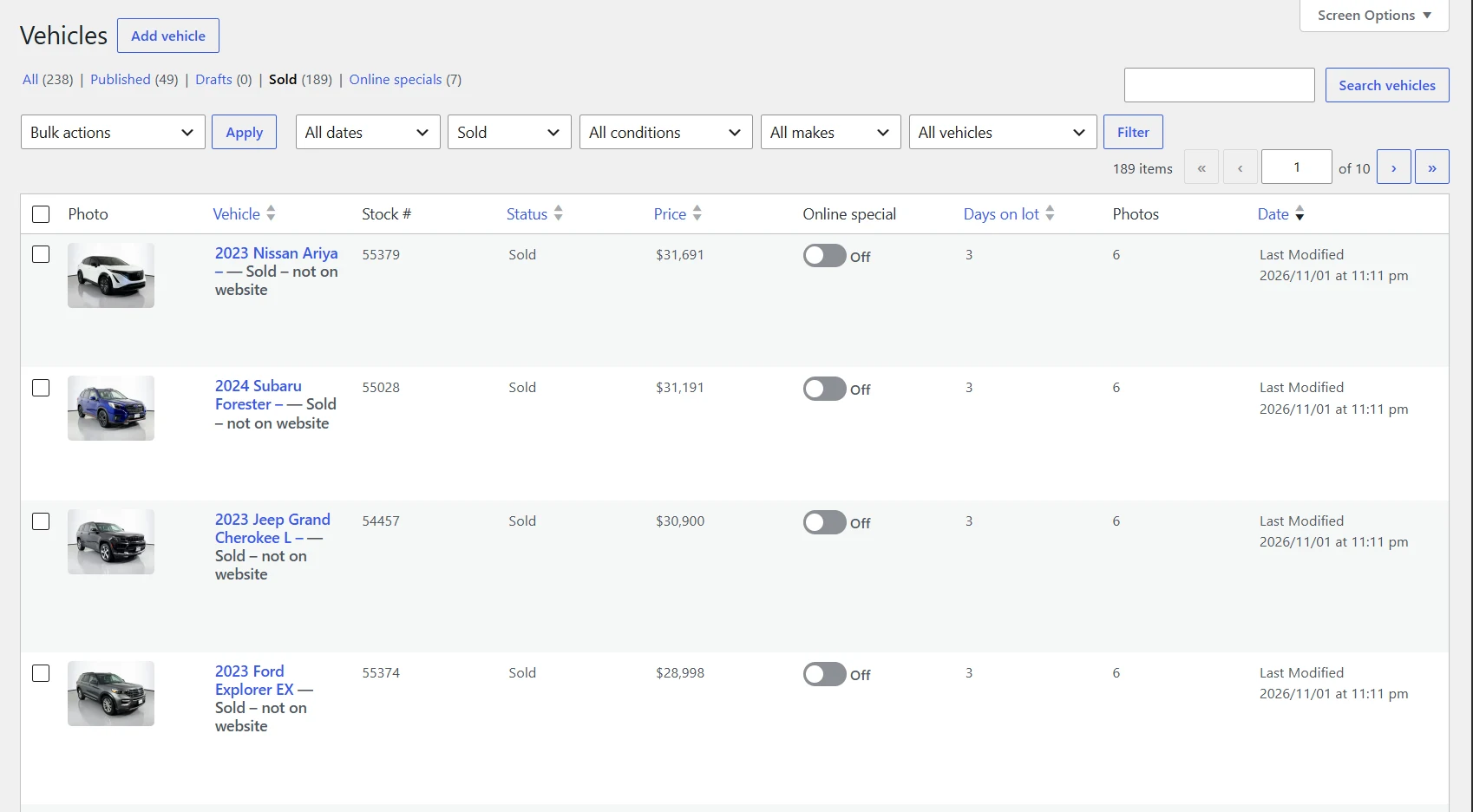
Sold cars
You decide when sold cars come down
Take a sold car down right away, or leave it up marked Sold for as long as you choose.
- ✓Set how long sold cars stay on the site
- ✓Sold cars keep their photos, price and history
- ✓See every sold car in its own list
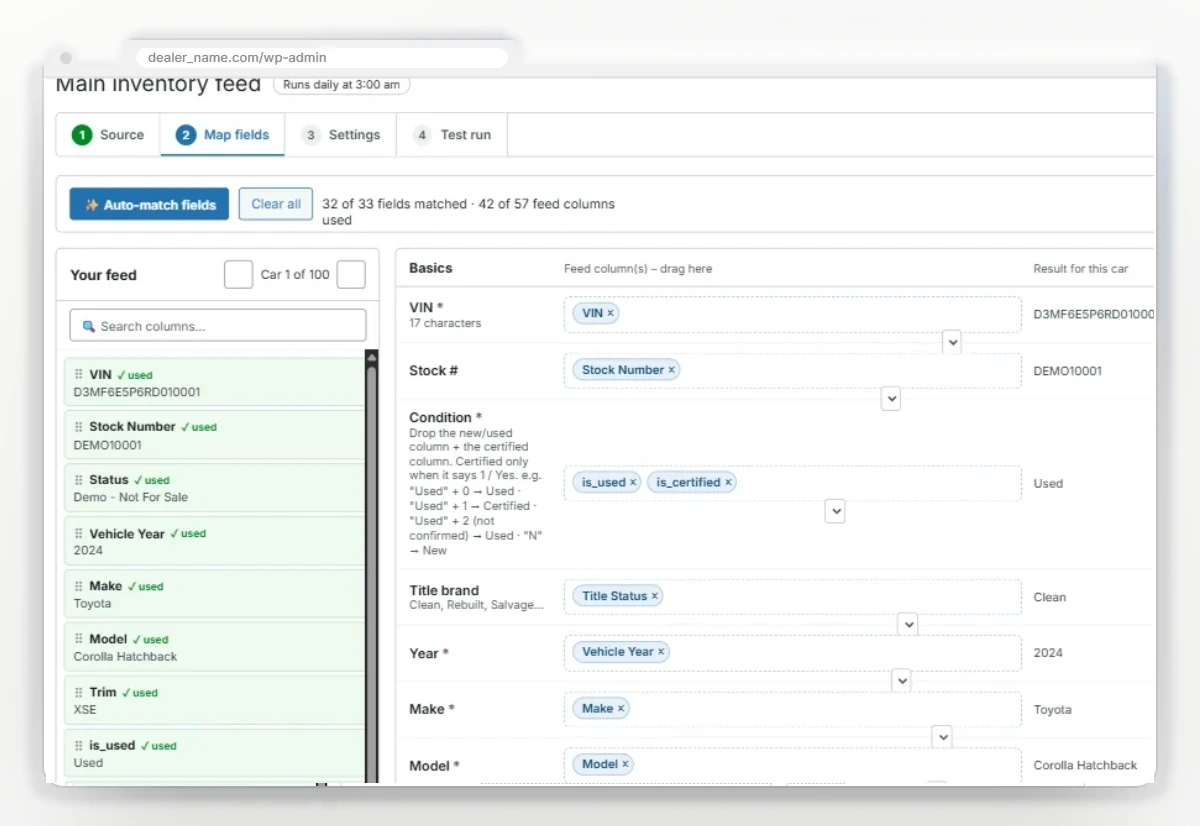
Feed import
Your feed in, your cars live. Automatically.
Connect the feed you already have. Car Dealer Website maps the columns for you, cleans up the data and keeps every car up to date.
- ✓Works with feed URLs, FTP, SFTP, CSV, Excel, XML and JSON
- ✓Cleans up transmissions, features and ALL CAPS
- ✓Sold cars can stay up with a Sold badge for a few days
On the lot
Add a car from your phone
Snap the photos, type the VIN, and the VIN decoder fills in the rest. No laptop and no waiting on the next feed import.
See how mobile inventory works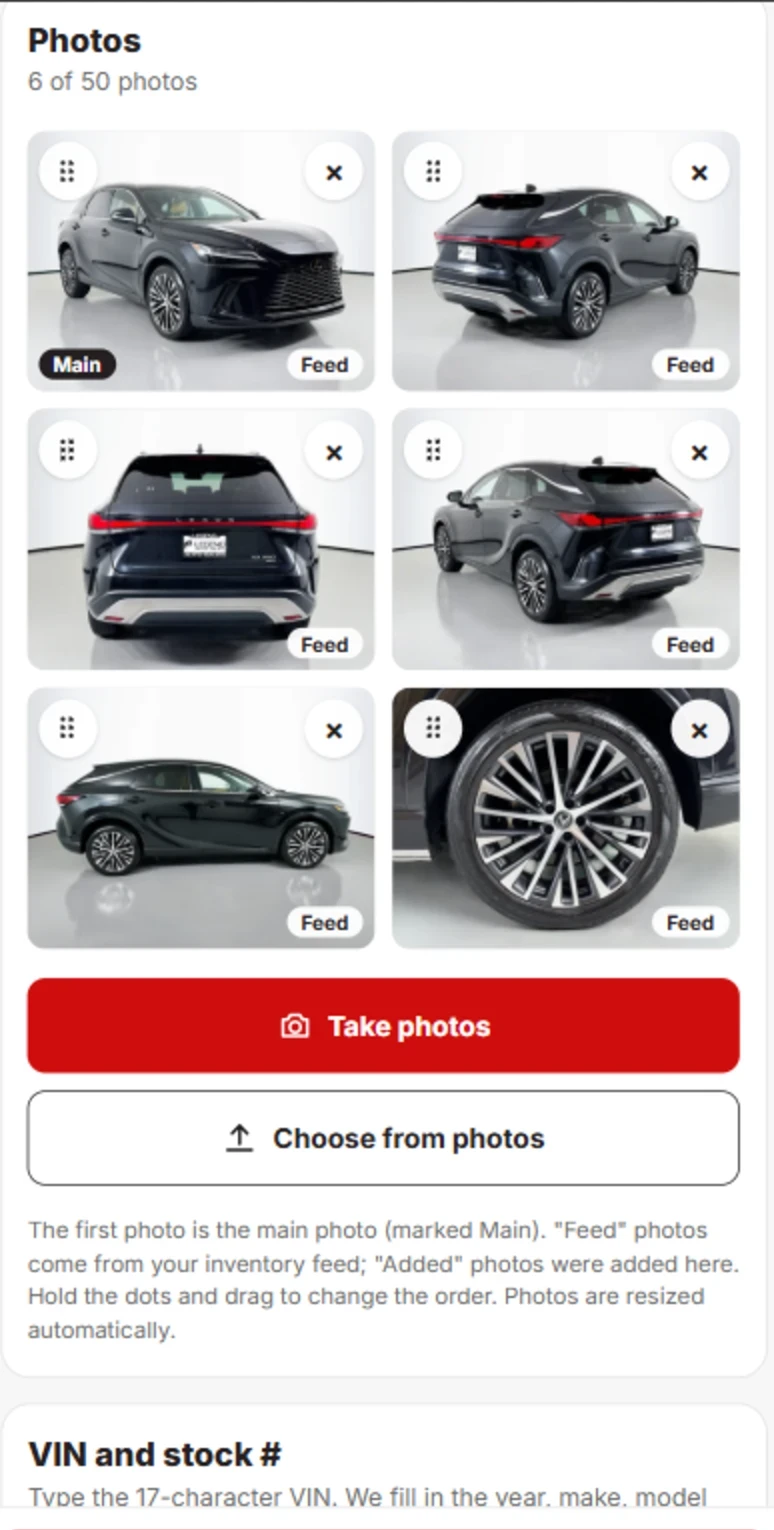
Your whole inventory, one easy-to-manage system.
See the inventory tools on the live demo, then join the early-access list.