
Dealer guide
Pick your look
Choose your colors, header, footer, cards and font – with a live preview. Nothing changes on your site until you click Publish.
You need:WordPress admin login · your brand colors (or pick a ready-made theme)
Step 1 – Open the Customizer
- Go to Appearance › Customize.
- Your website shows on the right; the settings are on the left.
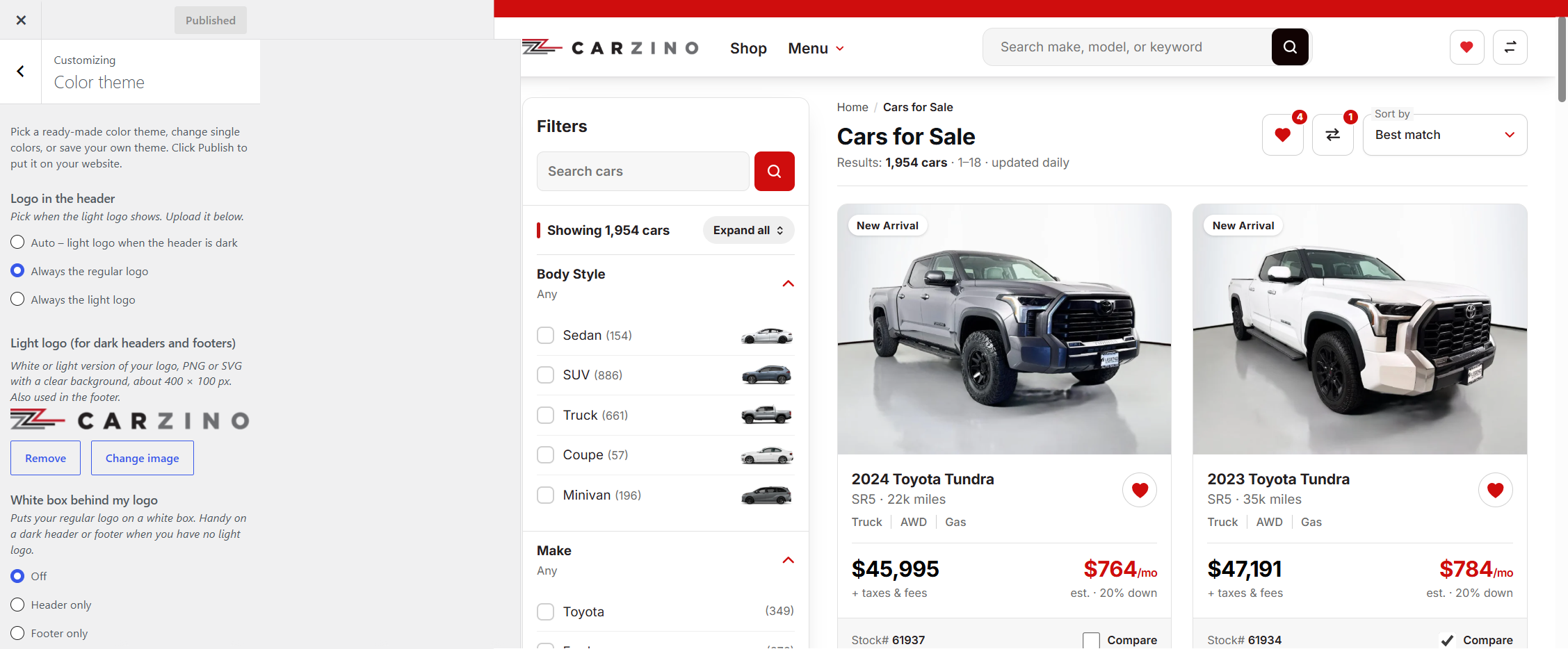
Step 2 – Pick a color theme
- Click Color theme.
- Click any theme card. The preview changes right away.
- Want your own colors? Click Customize this theme and change Main, Accent, Dark, Light or Extra. ↺ puts a color back.

Step 3 – Pick your layouts
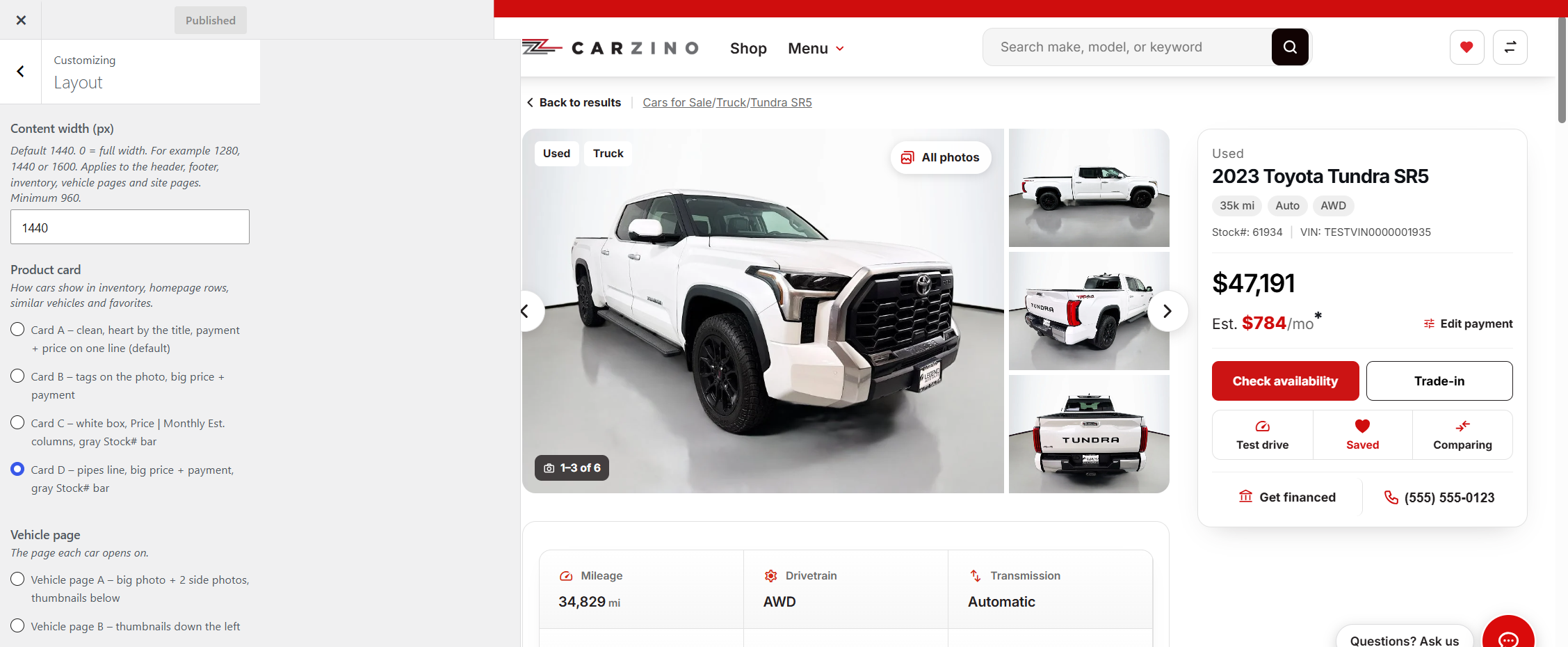
- Click Layout: set the content width (default 1440), the product card (Card A–D), the vehicle page (A–C) and the homepage hero (Hero A–C).
- Each choice shows in the preview right away.
- Click through the preview to see it on different pages.
Step 4 – Font
- Pick one of the web fonts. It's used everywhere on your site.
Step 5 – Publish
- Click Publish at the top. Your site updates.
- Changed your mind? Pick another theme any time.
Keep text readable: dark text on light backgrounds, light text on your main and dark colors. Text color can be set to Auto, White or Black.