
Dealer guide
SEO and redirects
How your website shows in Google, how to change it, and how to send old addresses to new pages. No SEO plugin needed.
You need:WordPress admin login · your Google Search Console code (optional)
Step 1 – Check the general settings (once)
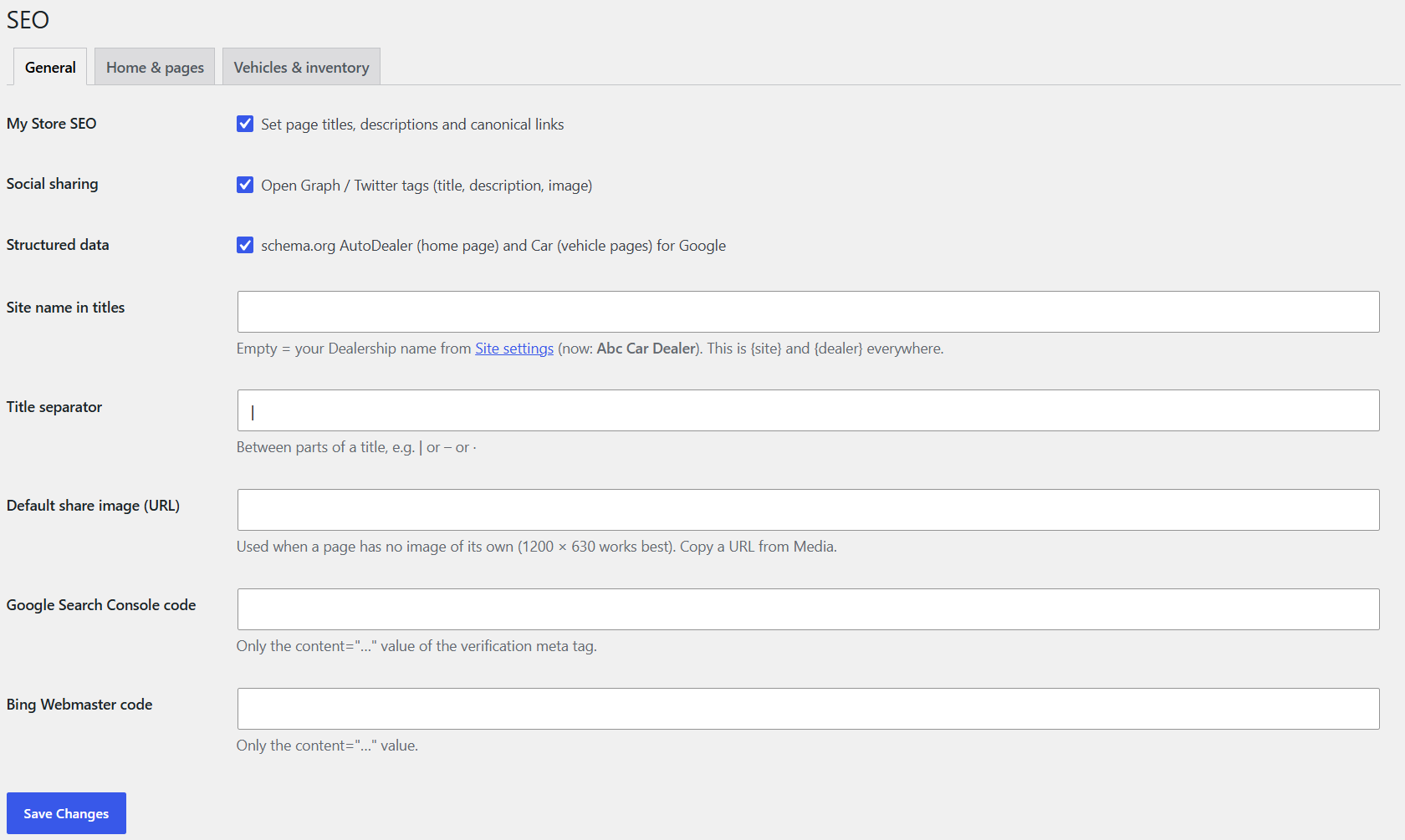
- Go to Car Lots › SEO › General. Car Lots SEO, Social sharing and Structured data are on – leave them on.
- Site name (empty = your dealership name) and the title separator (e.g. |).
- Default share image: shown when a page is shared on Facebook or text (1200 × 630).
- Google Search Console code and Bing code: paste only the content="…" value.
- Click Save.
Step 2 – Titles for every car and your inventory
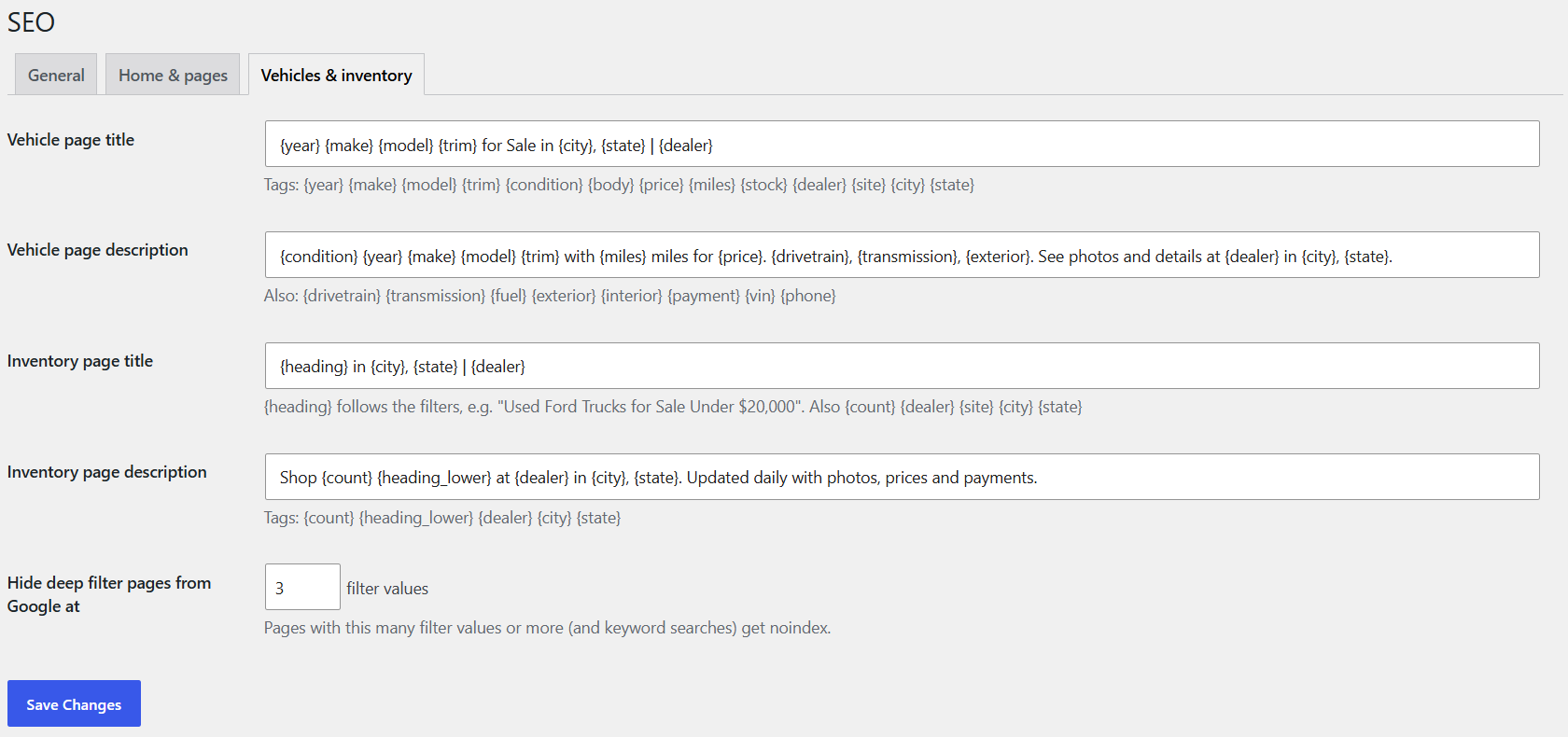
- SEO › Vehicles: the title and description pattern for every car, e.g. {year} {make} {model} {trim} for Sale in {city}, {state} | {dealer}.
- The inventory title follows the filters by itself, e.g. "Used Ford Trucks for Sale Under $20,000".
- Deep filter pages (many filters at once) are hidden from Google so it doesn't see thousands of near-copies.
Step 3 – Change one car (optional)
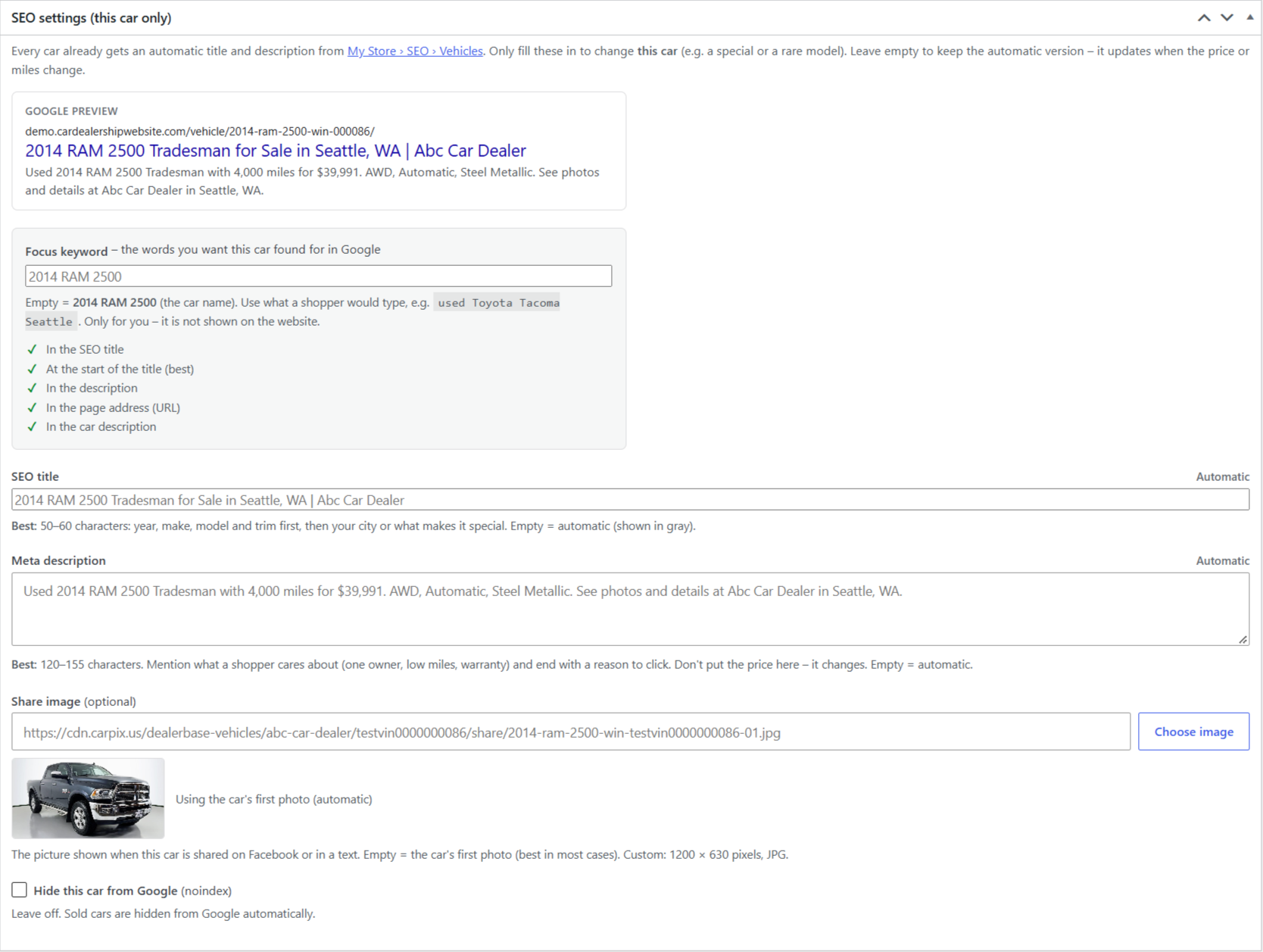
- Open the car in Vehicles. Under it, the SEO box shows the automatic title and description.
- Type your own to override it. Empty = automatic.
- Add a focus keyword (e.g. "used RAM 1500 Seattle") to get a checklist of what to improve.
- Share image: the first photo is used; pick another if you like.
Step 4 – Pages and blog posts
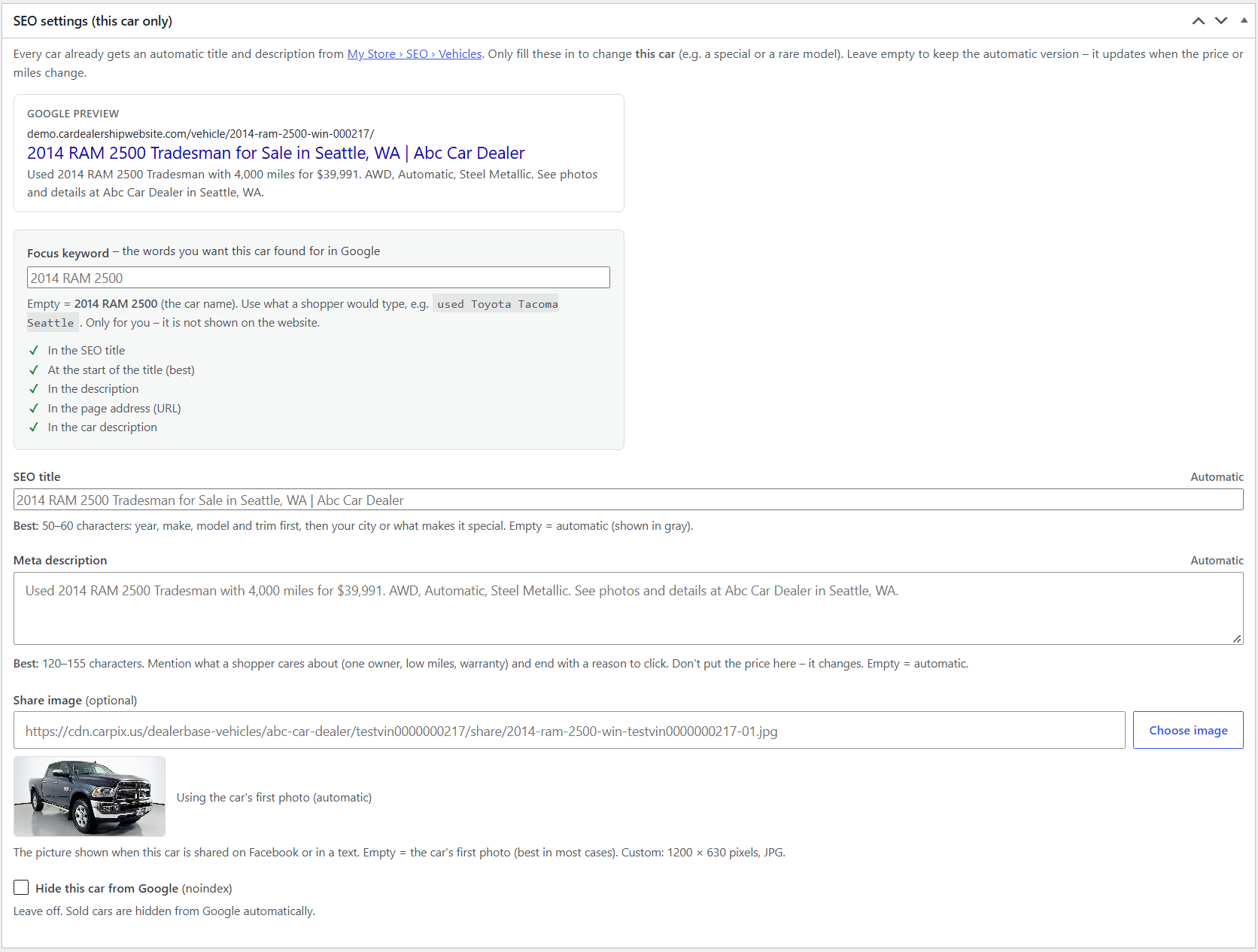
- Every page and post has an SEO settings box under the editor: title, description, hide from Google, share image.
- It fills itself in when you save, with live counters and a Google preview. Best: title 50–60 letters, description 120–155.
Step 5 – Redirects: send old addresses to new pages
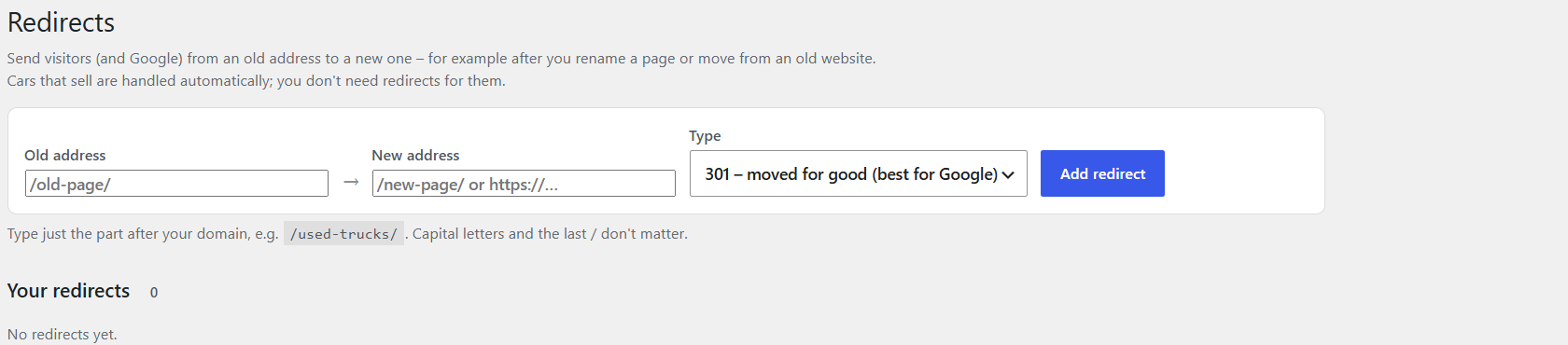
- Go to Car Lots › Redirects.
- Add the Old address (e.g. /specials-2024/) and the New address (e.g. /specials/).
- Type: 301 (moved for good – use this almost always) or 302 (temporary).
- The Used column counts how often each redirect is used.
Step 6 – Fix "Pages not found"
- On the same screen, Pages not found lists addresses shoppers tried that don't exist, with tries, last time and where they came from.
- Click one to make a redirect to the right page. Moving from an old website? Check this list for the first few weeks.

Sold cars are handled for you: after a sold car comes off your site, its address sends shoppers to the same model in your inventory, or a friendly "This car has sold" page – your choice in Vehicle settings › Listings. Using Yoast or Rank Math? Car Lots passes vehicle and inventory titles to it and doesn't print duplicates. Full details: Dealer guide, section 18.